Python Errors Explained: How to Read, Understand, and Fix the Most Common Bugs
Errors aren’t failures — they’re signals. This guide shows how Python errors actually work, why tracebacks matter, and how real backend code handles ValueErrors, TypeErrors, and other common bugs.

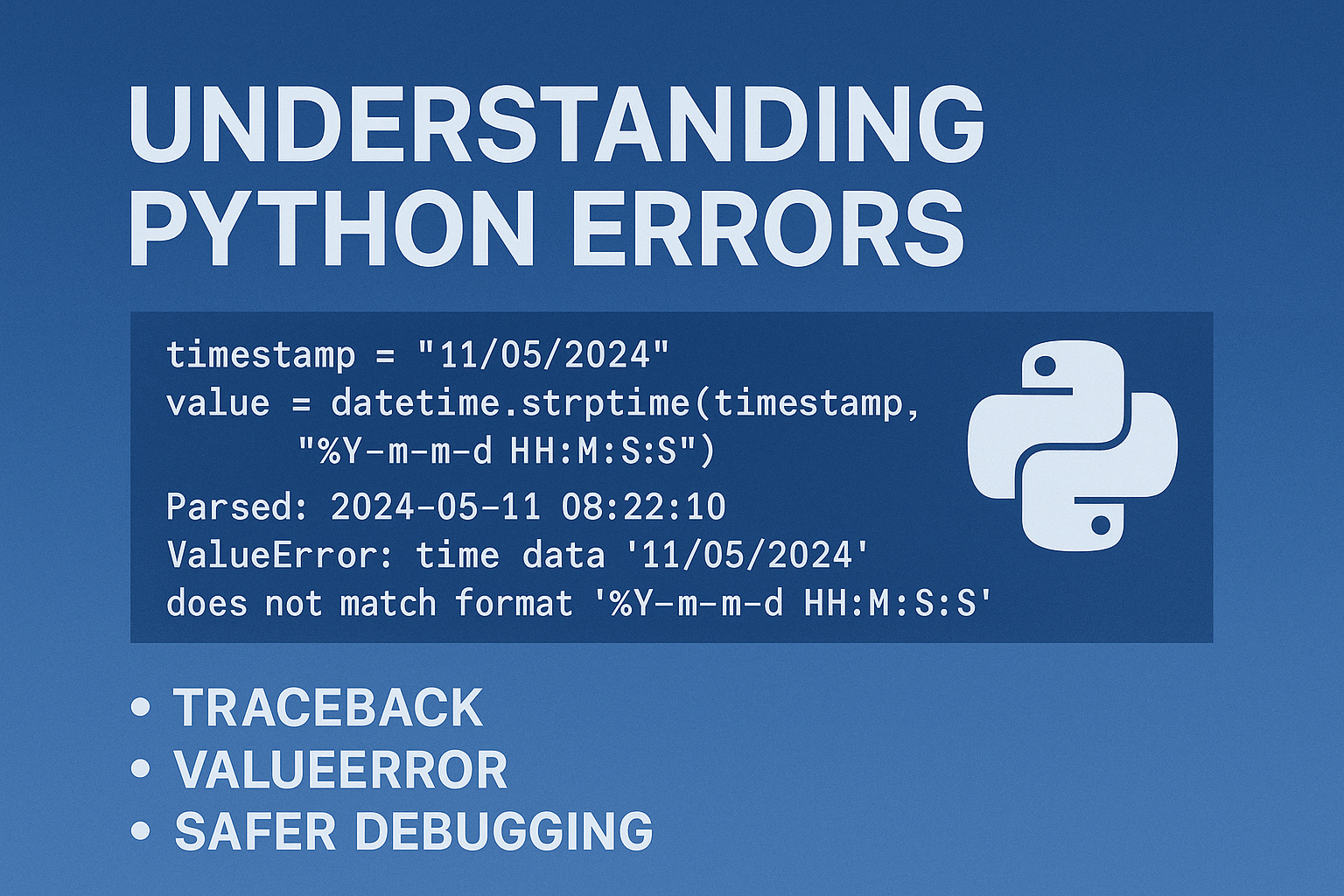
Errors aren’t a sign of bad code — they’re how Python teaches you to think like a real developer. Once you know how to read a traceback, debugging stops being guesswork and becomes mechanical, because most Python errors fall into predictable categories.
The Code Example (Simple, Realistic)
What actually happens when you run the raw loop
When you execute the code as-is, Python stops at the first error, which is why you only see one error even though later items are also invalid.
# Raw loop: crashes instantly

from datetime import datetime

def parse_timestamp(ts):
    return datetime.strptime(ts, "%Y-%m-%d %H:%M:%S")

data = ["2024-05-11 08:22:10", "11/05/2024", None, 42]

for ts in data:
    value = parse_timestamp(ts)
    print("Parsed:", value)
Output:
Parsed: 2024-05-11 08:22:10
ValueError: time data '11/05/2024' does not match format '%Y-%m-%d %H:%M:%S'
But if the loop continued…
The loop never reaches these inputs in the raw run, but if it did continue, the remaining items would cause:
TypeError: strptime() argument 1 must be str, not None
TypeError: strptime() argument 1 must be str, not int
A safer loop that lets you see all the errors
from datetime import datetime

def parse_timestamp(ts):
    return datetime.strptime(ts, "%Y-%m-%d %H:%M:%S")

data = ["2024-05-11 08:22:10", "11/05/2024", None, 42]

for ts in data:
    try:
        value = parse_timestamp(ts)
        print("Parsed:", value)
    except Exception as e:
        print(f"Error for input {ts!r}: {e.__class__.__name__} – {e}")
Output:
Parsed: 2024-05-11 08:22:10
Error for input '11/05/2024': ValueError – time data '11/05/2024' does not match format '%Y-%m-%d %H:%M:%S'
Error for input None: TypeError – strptime() argument 1 must be str, not None
Error for input 42: TypeError – strptime() argument 1 must be str, not int
Option 1 — Cleaned-Up Version (Guarded Logic, No try/except)
This version avoids exceptions for most bad inputs by guarding before parsing.
from datetime import datetime

def parse_timestamp(ts):
    # Guard 1: Reject non-strings
    if not isinstance(ts, str):
        print(f"Skipped {ts!r} → Not a string")
        return None

    # Guard 2: Reject wrong date format (simple heuristic)
    # (This is a lightweight shape check, not strict validation.)

    if " " not in ts or "-" not in ts:
        print(f"Skipped {ts!r} → Wrong format")
        return None

    return datetime.strptime(ts, "%Y-%m-%d %H:%M:%S")

data = ["2024-05-11 08:22:10", "11/05/2024", None, 42]
for ts in data:
    value = parse_timestamp(ts)
    if value:
        print("Parsed:", value)
Output:
Parsed: 2024-05-11 08:22:10
Skipped '11/05/2024' → Wrong format
Skipped None → Not a string
Skipped 42 → Not a string
When to use this style
Perfect for:
- high-volume scripts
- data cleaning
- CLI tools
- backend preprocessing
This is the “don’t break, just skip cleanly” approach.
Option 2 — Backend-Style Logging Version (Realistic)
Backend code always uses structured logging — never print():
a logger, error categories, and clear structured messages.
import logging
from datetime import datetime

# Basic backend-style logger (corrected padding)
logging.basicConfig(
    level=logging.INFO,
    format="%(asctime)s | %(levelname)-8s | %(message)s",
    datefmt="%Y-%m-%d %H:%M:%S",
)


def parse_timestamp(ts):
    try:
        return datetime.strptime(ts, "%Y-%m-%d %H:%M:%S")
    except ValueError:
        logging.warning(f"ValueError for input {ts!r} → Wrong date format")
    except TypeError:
        logging.error(
            f"TypeError for input {ts!r} → Expected string, got {type(ts).__name__}"
        )
    return None

data = ["2024-05-11 08:22:10", "11/05/2024", None, 42]

for ts in data:
    value = parse_timestamp(ts)
    if value:
        logging.info(f"Parsed successfully: {value}")
Sample Log Output:
2025-11-21 12:48:10 | INFO     | Parsed successfully: 2024-05-11 08:22:10
2025-11-21 12:48:10 | WARNING  | ValueError for input '11/05/2024' → Wrong date format
2025-11-21 12:48:10 | ERROR    | TypeError for input None → Expected string, got NoneType
2025-11-21 12:48:10 | ERROR    | TypeError for input 42 → Expected string, got int
Comparison Table
| VERSION | WHAT IT DOES | PROS | CONS | BEST FOR |
|---|---|---|---|---|
| Raw loop | Crashes immediately | Simple | Hides later errors | Teaching basic traceback |
| Guarded loop | Rejects bad input early | Clean flow | Doesn’t validate actual date correctness. | Data cleaning, CLI |
| try/except loop | Shows all failures | Minimal logic | Can hide sloppy assumptions | Tutorials |
| Logging version | Catches + logs | Production-friendly | Verbose if misused | APIs, workers, ETL |
Step-by-Step Explanation
1. Why Python Throws Errors
Errors are signals about wrong assumptions.
- ValueError → wrong shape
- TypeError → wrong type
- AttributeError → missing method/field
- KeyError → missing dictionary key
- IndexError → index doesn’t exist
- UnicodeDecodeError → wrong encoding
- FileNotFoundError → wrong path
- ModuleNotFoundError → missing package
2. How to Read a Python Traceback
You only need the bottom part:
- error type
- error message
- file + line number where it happened
3. The 10 Common Errors Every Developer Meets
1) ValueError — Wrong Format Shape
ValueError: time data '11/05/2024' does not match format '%Y-%m-%d %H:%M:%S'Why it happens? The format doesn’t match the input.
Fix:
Match the shape:
datetime.strptime("11/05/2024", "%d/%m/%Y")
2) TypeError — Wrong Type
TypeError: strptime() argument 1 must be str, not NoneWhy it happens? You passed None, not a string.
Fix:
if not isinstance(ts, str):
    continue
3) AttributeError — Something Has No Method
AttributeError: 'NoneType' object has no attribute 'split'Why it happens? You assumed something was a string. It wasn’t.
name = None
print(name.split())
4) IndexError
IndexError: list index out of rangeWhy it happens? You accessed a position that doesn’t exist.
Example:
items = ["a", "b", "c"]

print(items[3])   # only 0,1,2 exist
Fix:
if len(items) > 3:
    print(items[3])
5) KeyError — The dictionary doesn’t contain that key
KeyError: 'age'Example:
user = {"name": "Nova"}
print(user["age"])
Why it happens? Dictionary missing a key.
Fix: Use .get() with fallback:
print(user.get("age", "unknown"))6) ModuleNotFoundError
ModuleNotFoundError: No module named 'fastapi'Example:
import fastapi # not installed
Why it happens? You tried to import a module that is not installed or not in this environment.
Fix:
Install it:
pip install fastapiOr check your virtual environment.
7) UnicodeDecodeError
UnicodeDecodeError: 'utf-8' codec can't decode byte ...Why it happens? Files saved in a different encoding. Many CSVs from Windows machines default to 'latin-1' or 'cp1252'. This solves 60% of decode errors.
Example:
with open("old_log.txt") as f:
    data = f.read()  # file is NOT UTF-8
Fix:
Explicit encoding:
with open("old_log.txt", encoding="latin-1") as f:
    data = f.read()
8) FileNotFoundError
Why it happens? Relative path confusion.
FileNotFoundError: [Errno 2] No such file or directory: 'data/report.json'Example:
with open("data/report.json") as f:
    print(f.read())
This fails because data/ is relative to where the script is run, not where the script is saved. But your script is running from a different directory. The script’s working directory is NOT the same as the script’s folder. This kills a common confusion point.
Fix:
Use absolute paths:
from pathlib import Path
path = Path(__file__).parent / "data" / "report.json"

print(path.read_text())
9) IndentationError
Why it happens? Python is strict; mixed tabs/spaces.
IndentationError: unexpected indentExample (broken):
def process():
    print("start")
        print("bad indent")
Fix (consistent):
def process():
    print("start")
    print("good indent")
10) ZeroDivisionError
Why it happens? Your math lied to you.Zero in your dataset is not always obvious — always guard. Backend people love this clarity.
Example:
values = [5, 0, 10]

for v in values:
    print(100 / v)
Fix:
Guard the input:
for v in values:
    if v == 0:
        continue
    print(100 / v)
4. A Short Debugging Workflow
- Read the bottom of the traceback
- Identify error category
- Reproduce the bug with the smallest possible input.
- Always print the failing input before the failing line.
- Add simple guard rails
- Fix type/format
- Run again
Quick Reference Table
| ERROR | WHAT IT MEANS | FIX |
|---|---|---|
| ValueError | Wrong shape | Fix format string |
| TypeError | Wrong type | Validate input |
| AttributeError | Missing method | Check for None |
| KeyError | No such key | Use .get() |
| IndexError | Out of range | Check length |
| ModuleNotFoundError | Missing package | Install it |
| UnicodeDecodeError | Encoding issue | Specify encoding |
| FileNotFoundError | Wrong path | Use absolute path |
| IndentationError | Bad indentation | Use consistent spaces |
| ZeroDivisionError | Divide by zero | Guard input |
| NameError | Variable not defined | Fix typo or scope issue |
Next: we build a CLI tool that never crashes and logs like a backend service.
Note
If you find any part of this post unclear or technically inaccurate, I would appreciate hearing from you. Improving the precision of these explanations is an ongoing process, and your feedback helps strengthen the material.